
- 登録 / Log In
- MyAdvantech
-
製品一覧
組込みソリューション
- ARMベース コンピューティング
- エッジAI 組込みモジュール/システム
- コンピュータ オン モジュール (SOM)
- シングルボード (SBC, Pico-ITX)
- ソフトウェア (OS/組込みツール)
- デジタルサイネージ
- マザーボード (Mini, Micro-ATX)
- 産業用PC (ARKシリーズ)
- 産業用PC (EPCシリーズ)
- 産業用ストレージ・メモリ
- 産業用ディスプレイ・タッチパネル
- 通信・無線モジュール
- 電子ペーパー
- 特定用途向け組込みボード/システム
- 遊戯機器用(USモデル)
開発・製造受託サービス(DMS)
IoTオートメーション
- Class I, Division 2ソリューション
- Data収集 (DAQ) & 制御
- HMI(タッチパネルPC産業用モニタなど)
- オートメーションコントローラ
- ゲートウェイ・遠隔制御ユニット(RTU)
- ソフトウェア(WebAccess・Edge SRP)
- パネルPC
- パワー&エネルギー
- リモートI/ Oモジュール
- ワイヤレスI/O・センサ(WISE)
- 組込みオートメーションコンピュータ
- 認証ソリューション
ネットワーク・通信
- ソリューション
- サービス
-
パートナー
Business Alliance Partner
- 技術サポート
- 企業情報
- お問い合わせ
HMINavi
Intuitive Visualization Software for Human-Machine Interaction
- Allows users to manage multiple HMI applications in one project
- Dynamically language switch with Unicode and multilingual text supported
- Password protection for designs, macros, and upload/download operations
- Supports the running of open platform applications with Windows
- Provides index registers for modifying device addresses at runtime
- Supports diverse data acquisition and trend presentation techniques
- Operation log facilitates event review and investigation
- Supports over 500+ PLC controller drivers
- Compliant Food & Drug Administration Title 21 CFR Part 11
認証:




-50/HMINavi_KV2_820x46020231211095926.png)
特徴
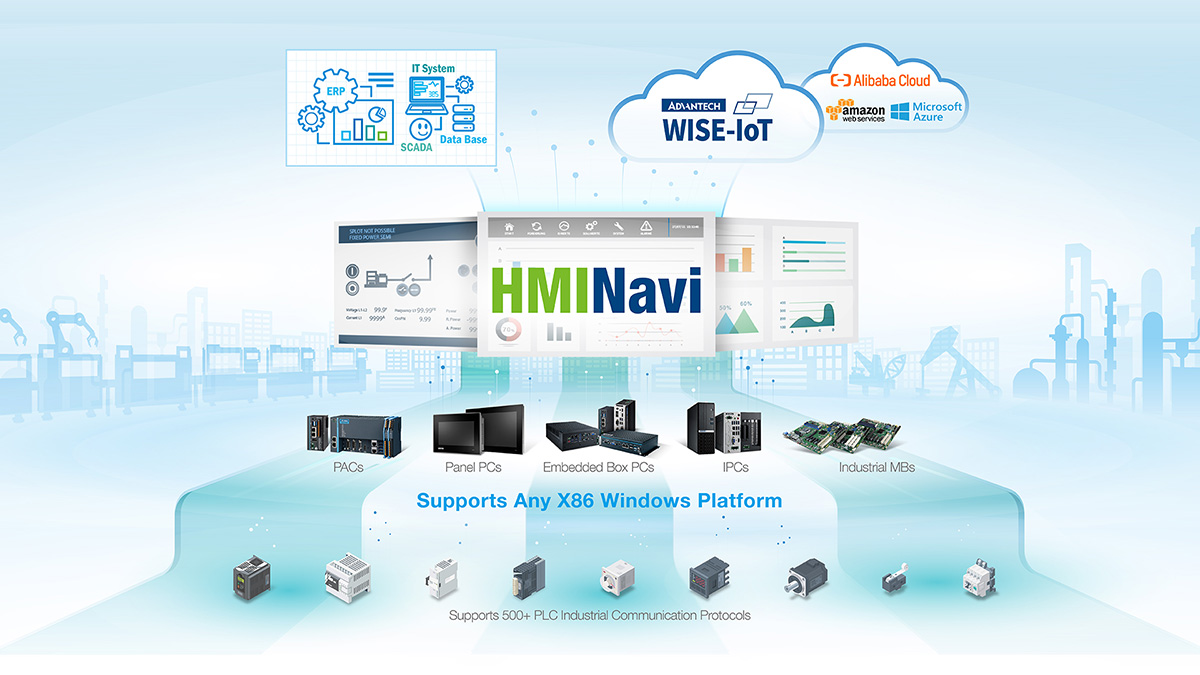
HMINavi Powers Unprecedented Intuitive Machine Visualization
HMINavi is powerful Open HMI software that encompasses an HMI Runtime Engine for HMI operations. Its HMI Engineering tool is designed with a user-friendly interface and offers solution-oriented screen objects for HMI project development.
Test Your Project on a Simulation
Explore a simulation for 60 minutes without any license key required. It is available for both online and offline use.
Seamless Connectivity Drives IoT Applications
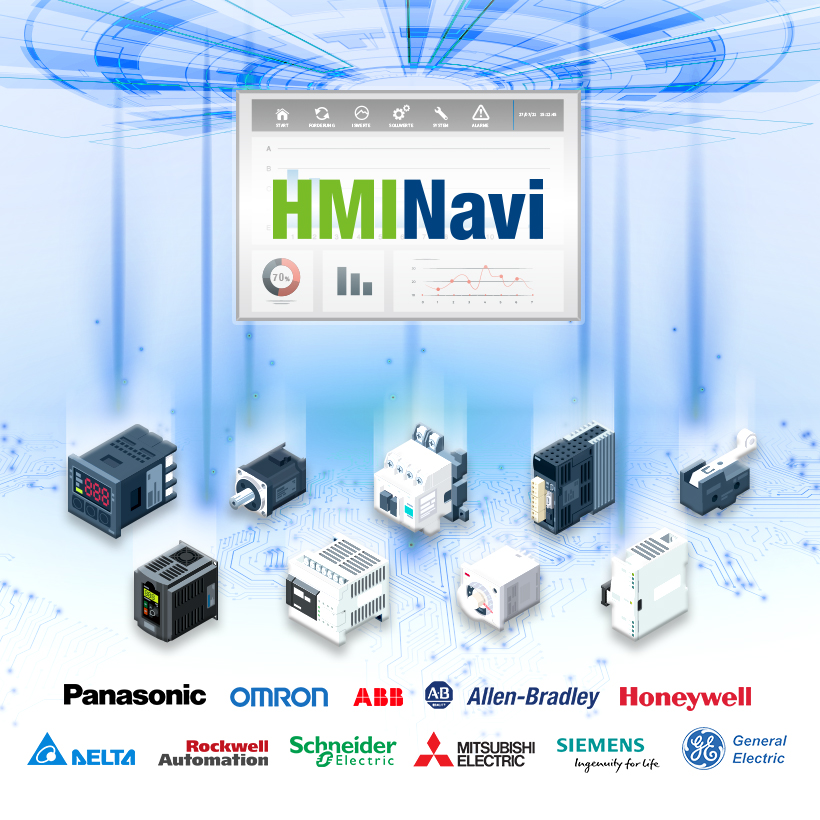
Supports 500+ PLC Industrial Communication Protocols
HMINavi can connect up to 90% of global PLC devices. The data exchanger function can easily exchange various types of PLC data. Its powerful connectivity makes HMINavi a perfect fit for existing or future IoT solutions.
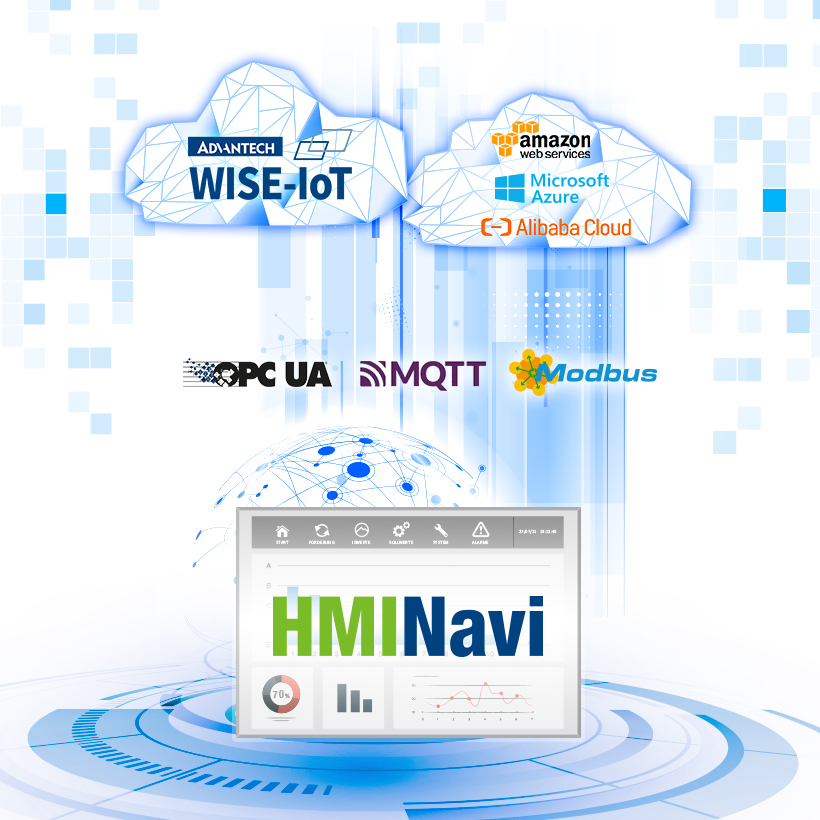
Simple Cloud Access via MQTT Protocol
HMINavi simplifies OT & IT integration using the latest MQTT uplink communication protocol. Users can effortlessly transform legacy machinery into intelligent systems, with all critical data and backups handled by cloud services.
Comprehensive Visualization Functions

Object-Oriented
- Switch Button Object Unit
- Unlimited Internal Tags
- Schedule Table Control
- Macros Script Control
- Data Exchange
- Uplink Communication

Data Visualization
- Lamps & Animated Display
- Historic Curve & Path Trend Graphic
- Bar Chart & Graphic Display
- Meter & Circular Display
- Pipeline & Path Display
- Rotation Indicator & Radar Chart

Data Management
- Alarm Management
- Historical Data Logger
- Operation Data Logger
- Recipe Management
- Documentation CSV Format
- Documentation PDF Format

Security Protection
- Project File Protection
- Screen Protection
- Due Date Protection
- Runtime Load Protection
- User Level Protection
- User Group Protection

Data Exchange
- Breakpoint Resume
- OPC UA Server/Client
- VB Script User Coding
- JScript User Coding
- Browser/Media Container
- Database Connection
Simplified 3-Step PLC Controller Integration

1. Create A Project & Link
- • Initiate a new project and create a new link.
- • Select the connection type (Serial/Ethernet).

2. Select Your PLC Model
- • Choose the PLC brand.
- • Select the PLC type/model.

3. Parameter Setup
- • Configure baud rate transmission.
- • Set up the IP address/port/sub-link.
Start Your Journey with HMINavi
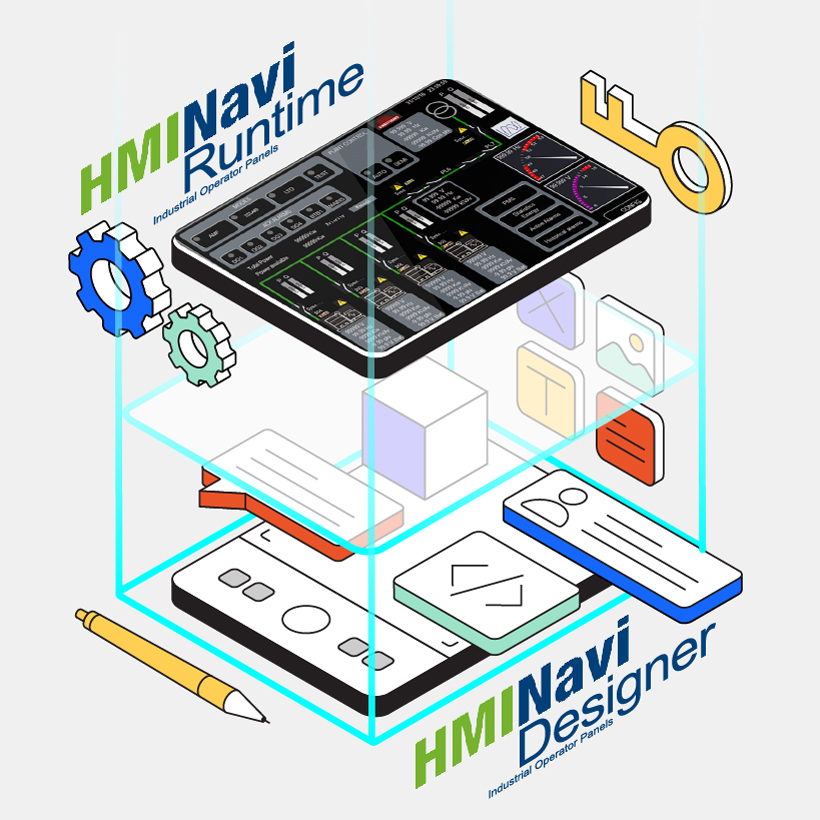
Engineering Design Tool & Runtime Engine
- HMINavi Designer Software: supports Windows 7/10.
- HMINavi Runtime Engine Software: A runtime license is required for the x86 Windows platform.
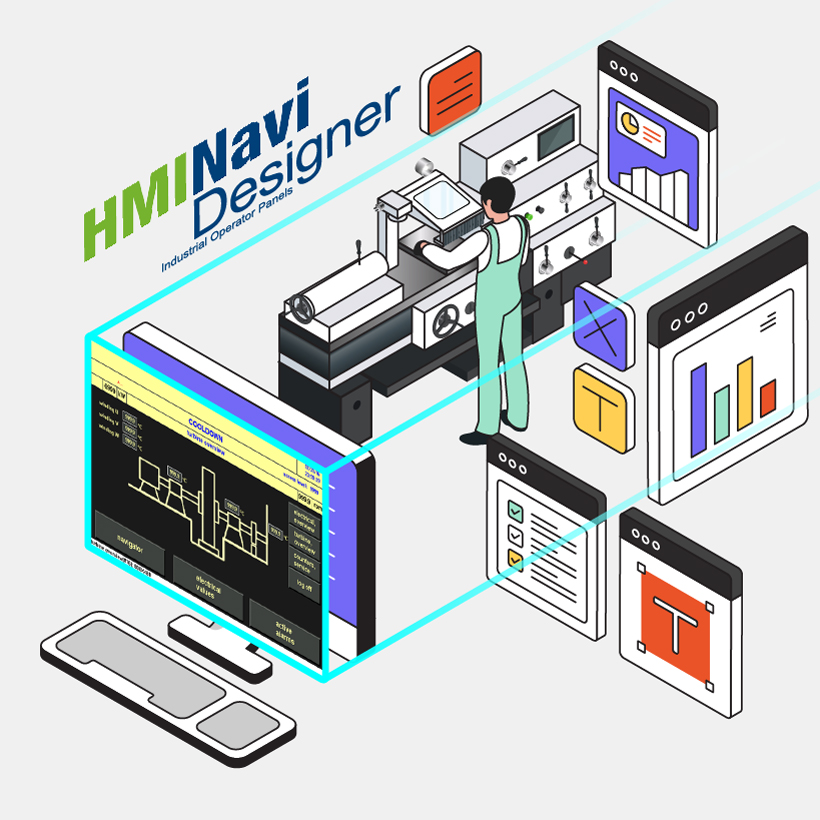
Test Your Project on a Simulation
Explore the simulation for 60 minutes without any license key required. It is available for both online and offline use.